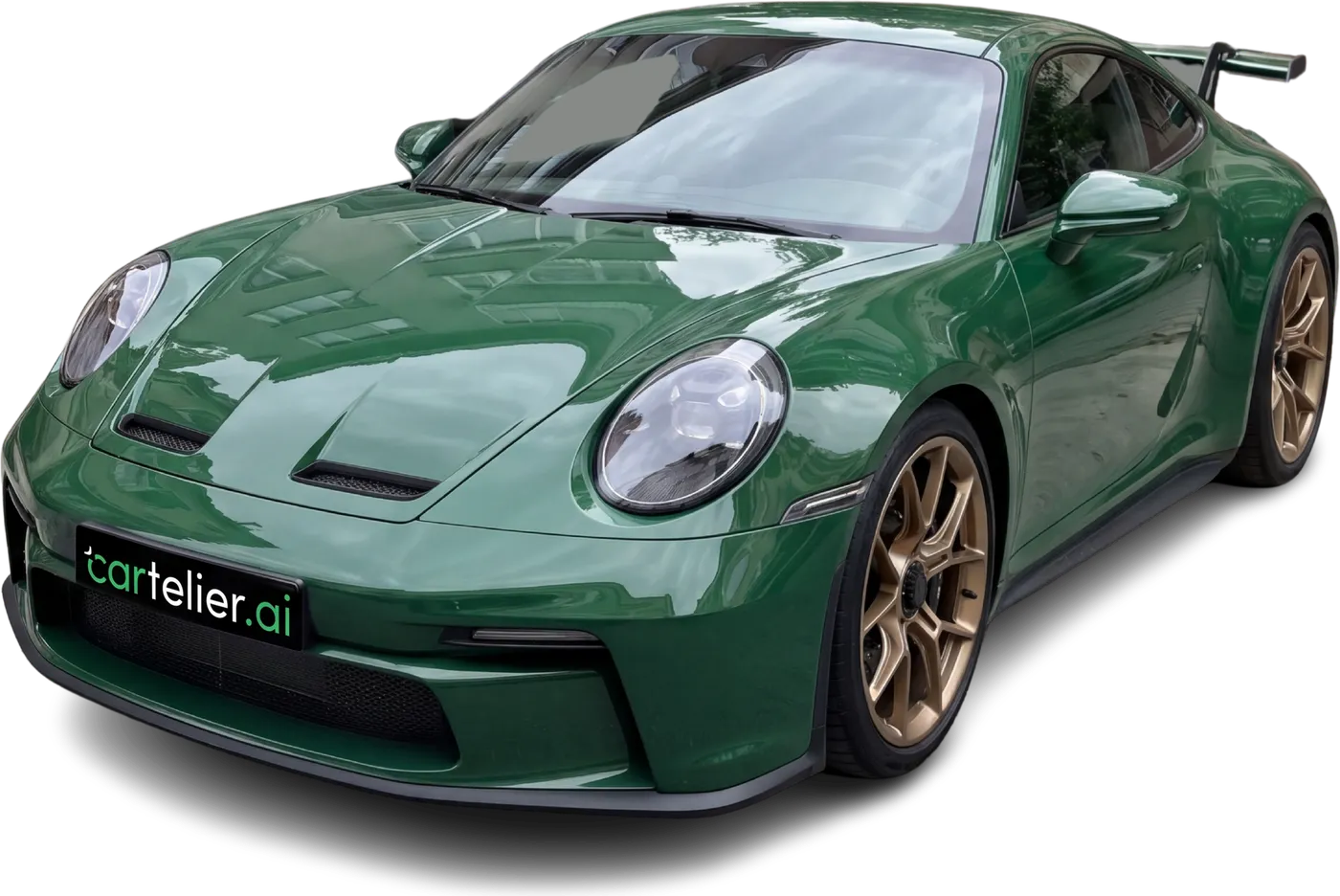
How to Remove the Background from Car Photos: By Hand or with AI?
A messy parking lot or street makes even a great car look ordinary. Removing the background and putting the car on a clean backdrop instantly tidies up a listing. So what is the most practical way to do it?
1. By hand in a photo editor
In programs like Photoshop you can select the car and delete the background. You get full control over the result, but each photo takes minutes and requires experience. Fine details such as mirrors, antennas and glass take the most time.
That works for a few cars a month; it doesn't scale for a dealership taking in new stock every day.
2. General-purpose background removers
Plenty of online tools remove the background from any kind of image. They are fast, but they can struggle with problems specific to car photos: background showing through the windows, the shadow disappearing so the car looks like it is floating, and license plates.
Removing the background is also only half the job: you are left with an empty backdrop, and placing the car into a scene is still up to you.
3. AI built for car photos
Tools designed for vehicle listings go beyond removing the background: they place the car in a showroom scene, ground it on the floor and use the same scene for every photo in the listing. The result is a uniform, professional-looking inventory.
cartelier.ai takes this approach: upload a photo, the background is removed and the car is moved into the showroom you choose. You can also hide the license plate and add your logo. The car's color, damage and actual condition are never altered; only the presentation gets more professional.
Which one should you choose?
- An occasional single photo: manual editing or a general tool may be enough.
- A dealership listing cars regularly: a car-specific solution that handles batches saves real time.
- In every case: choose a method that keeps the car's real appearance; when buyers see the car in person, it should match the photos.